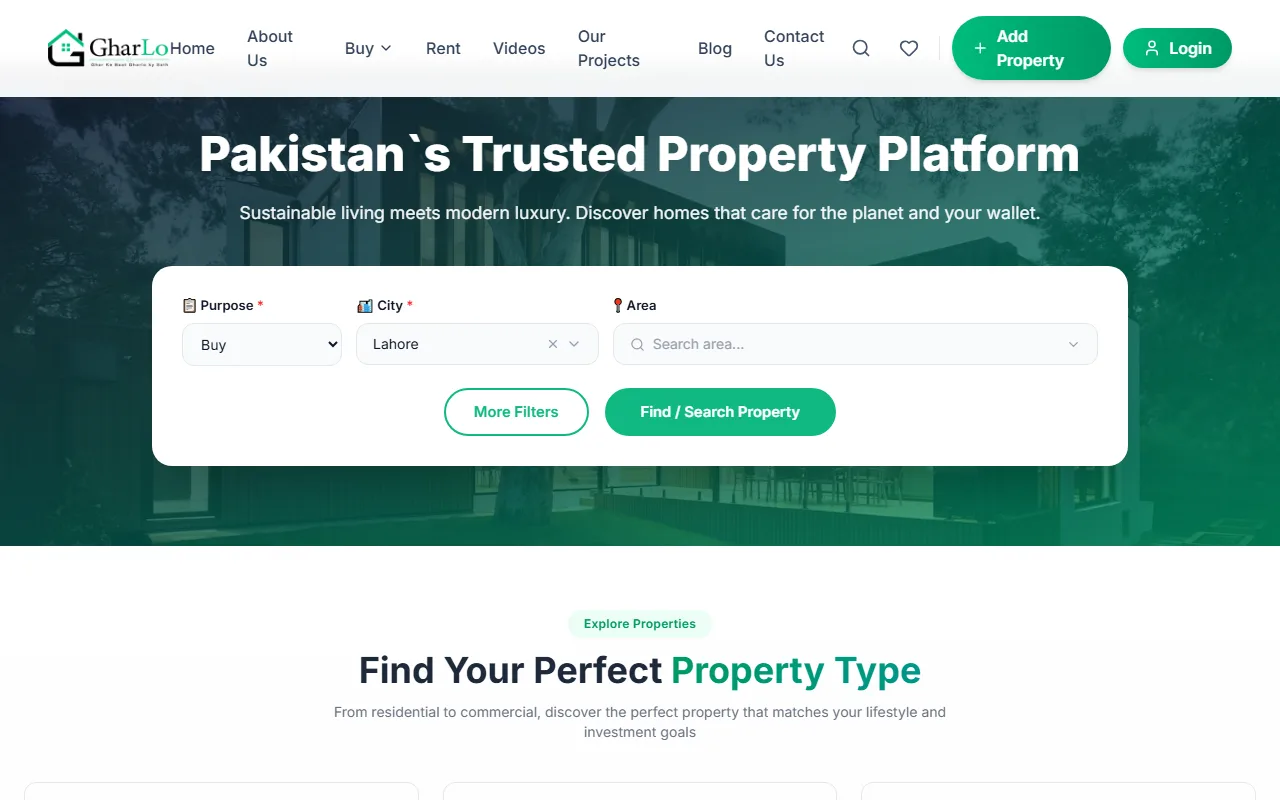
Gharlo is a property platform for buyers, sellers and renters in Lahore. It has two parts that share one set of data: the public portal at gharlo.pk and a private CRM (customer relationship management system) where the team does its daily work. We designed and built both.
What Gharlo needed
Gharlo's leads come from four places: Facebook ads, WhatsApp, its agents and the website. Property ads posted by the public have to be checked before they go live, and some are promoted as featured. All of this had to be managed from one place instead of spread across phones, inboxes and spreadsheets.
The public portal
- Search that matches how people look for property: buy or rent, then city and area, with more filters for type and size. Property types cover homes (flats, houses, portions, farm houses, rooms, penthouses), plots (residential, commercial, agricultural, industrial, files) and commercial units (offices, shops, warehouses, factories, buildings).
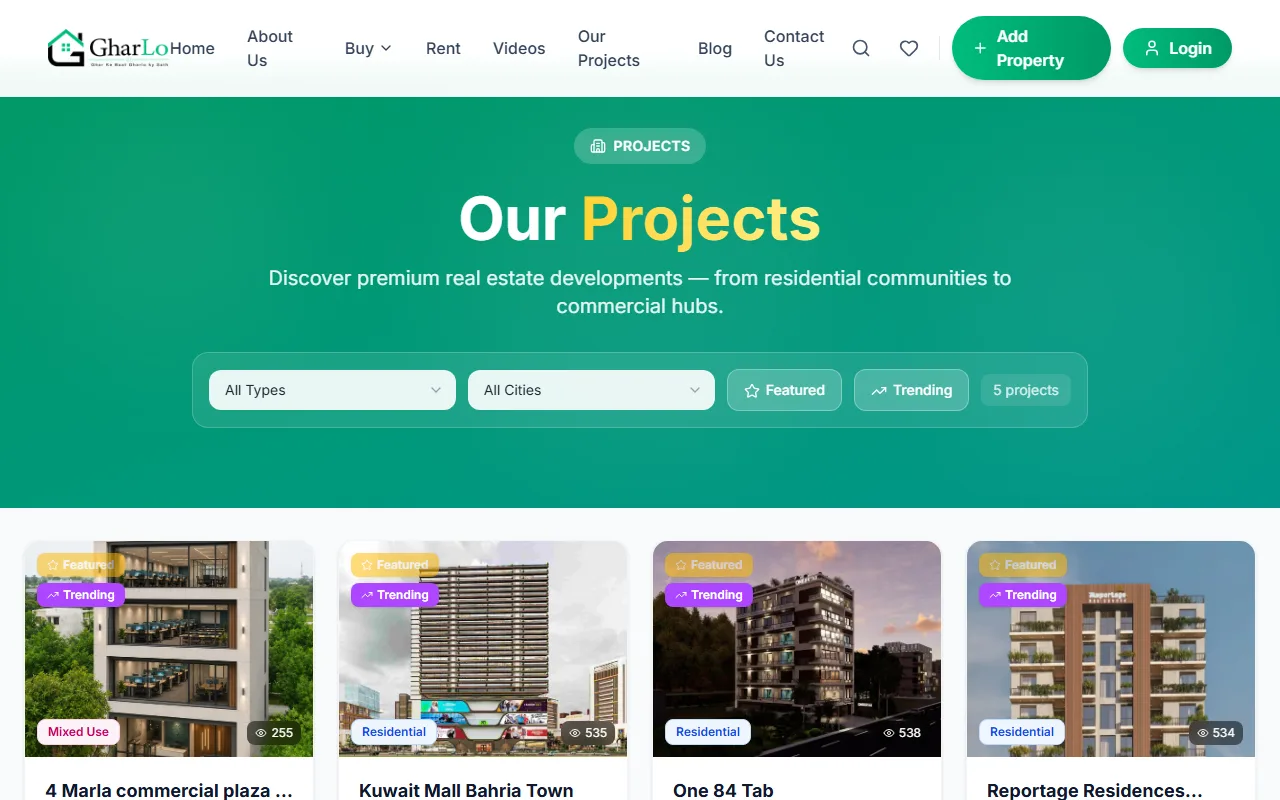
- New projects: each development has its own page with unit types, payment plans, photos and videos, FAQs and an enquiry form that goes straight to the CRM.
- Post a property: users create an account with email verification or sign in with Google, and two-factor login protects accounts. Users manage their own listings, enquiries and support tickets from a dashboard, and agencies can add their staff.
- Paid packages: users buy listing credits and featured placement. The buyer pays by one of the methods the team sets up in the admin and uploads proof of payment for the team to confirm.
- Content for search engines: city and area landing pages, a blog with authors and a video section, all managed from the admin.
The CRM: where everything is managed
Listings
Every property posted on the portal arrives in the CRM for review. The team approves or rejects it and can mark it as featured. Projects, cities and areas, property types and amenities are all edited here, so content changes do not need a developer.
Leads from four channels
- Facebook: leads from Facebook lead ads are pulled in automatically through Facebook's API.
- WhatsApp: office WhatsApp numbers are linked to the CRM by scanning a QR code. Chats appear in a shared inbox, and a new customer's chat becomes a lead with follow-ups.
- Agents: registered agents send their own leads into the CRM.
- Website: enquiries from listing and project pages arrive as leads, and the team can add or bulk-import leads by hand.
Leads that nobody has picked up are assigned to an employee automatically on a schedule. Each lead keeps its tasks, follow-ups, call log and history.
Running the office
The same system covers the people side of the business: employees, departments and designations, attendance with location, leaves and company holidays, daily tasks and performance, bonuses, salary calculation and payslips, expenses, the monthly budget and invoices. Managers see WhatsApp and lead performance per agent.
Control and security
Every user has a role with specific permissions, logins use two-factor authentication, and an audit log records who changed what.
How a lead moves through the system
- A lead arrives from a Facebook ad, a WhatsApp chat, an agent or the website.
- It lands in the CRM with its source recorded.
- If nobody picks it up, it is assigned to an employee automatically.
- The employee follows up by call or WhatsApp; tasks, follow-ups and calls are recorded against the lead.
- Managers review lead and WhatsApp performance per agent.
What this means for your business
If your agency gets enquiries from several channels and your team works from WhatsApp, the same approach can work for you: one place for leads, listings and staff, built around how your office already works. See our CRM development service for how we plan and build systems like this.